What’s up everyone!
It’s already been quite some time that Microsoft announced that App-V will reach end-of-life. In this post I want to dive into this topic a bit more to find out what is actually happening and what you can do as an organization in case you are still using App-V packages.
Enjoy!

To App-V or not to App-V
Let’s start with a look at the various roles and components that make up Microsoft’s application virtualization (App-V) solution so we can compare it to other solutions:
- The App-V server components are the infrastructure that hosts, publish virtual apps and reporting controls. The five components include the management server itself, the management database, publishing server, reporting server and reporting database.
- The App-V client is the components that actually runs the virtual apps on devices. The client became a standard part of the operating system Since Windows 10 v1607.
- The App-V Sequencer is not just a cool name, it’s also the components that converts applications into virtual packages. It’s usually installed on a virtual machine along with optimizations to ensure a good conversion.
- Application isolation provides sort of a sandboxed environment preventing conflicts when different versions of software exist on a device.
- Improved application compatibility if you want to run old/legacy applications on modern operating systems.
- Fast deployment and management of applications since applications are not actually installed in the operating system. Instead the virtualized app is streamed to the device and simply connected to the operating system. This also has the benefit that no files or configuration stays behind in case the virtualized app is unassigned.
With that in mind it makes a lot sense that larger organizations use application virtualization on virtual environments like Citrix, Omnissa, or Microsoft’s RDS or even Azure Virtual Desktop in combination with App Attach.
Is App-V reaching end-of-life... or not?
The answer to that question is; well part of it is! Looking at the App-V in Windows support policy document by Microsoft we can see that:
- The App-V client and sequencer have moved to fixed extended support. This means that the client and sequencer are still supported, but will not receive new features.
- The App-V server components are deprecated and support will end in April 2026.
That gives companies a choice: Will you stick with App-V or move to a different solution? And if you want to move to a different solution, which solution do you want to use?
Let’s first explore the Microsoft solution: introducing MSIX!
MSIX is modern package format that you probably already use since Windows 11 comes with MSIX apps pre-installed. Think about the Microsoft Store app, the Microsoft Edge browser and the Photos app.
A big difference compared to App-V is that there are no server components to install and manage. So how does that work?
- Hosting, publishing and reporting roles: MSIX apps can be uploaded to Microsoft Intune or a file share or cloud storage in Azure. Then you can use Microsoft Intune to deploy the .MSIX package to a Windows device or use App Attach to deploy the app to session hosts in AVD.
You can also use other solutions like Nerdio Manager to deploy MSIX apps to session hosts. - The client component: MSIX requires a client component in Windows just like App-V does. It’s actually part of the Windows 10 since v1709 and Windows 11 has native support for MSIX apps.
- The sequencer: MSIX has it’s own sequencer if you will. It’s called the MSIX Packaging Tool.
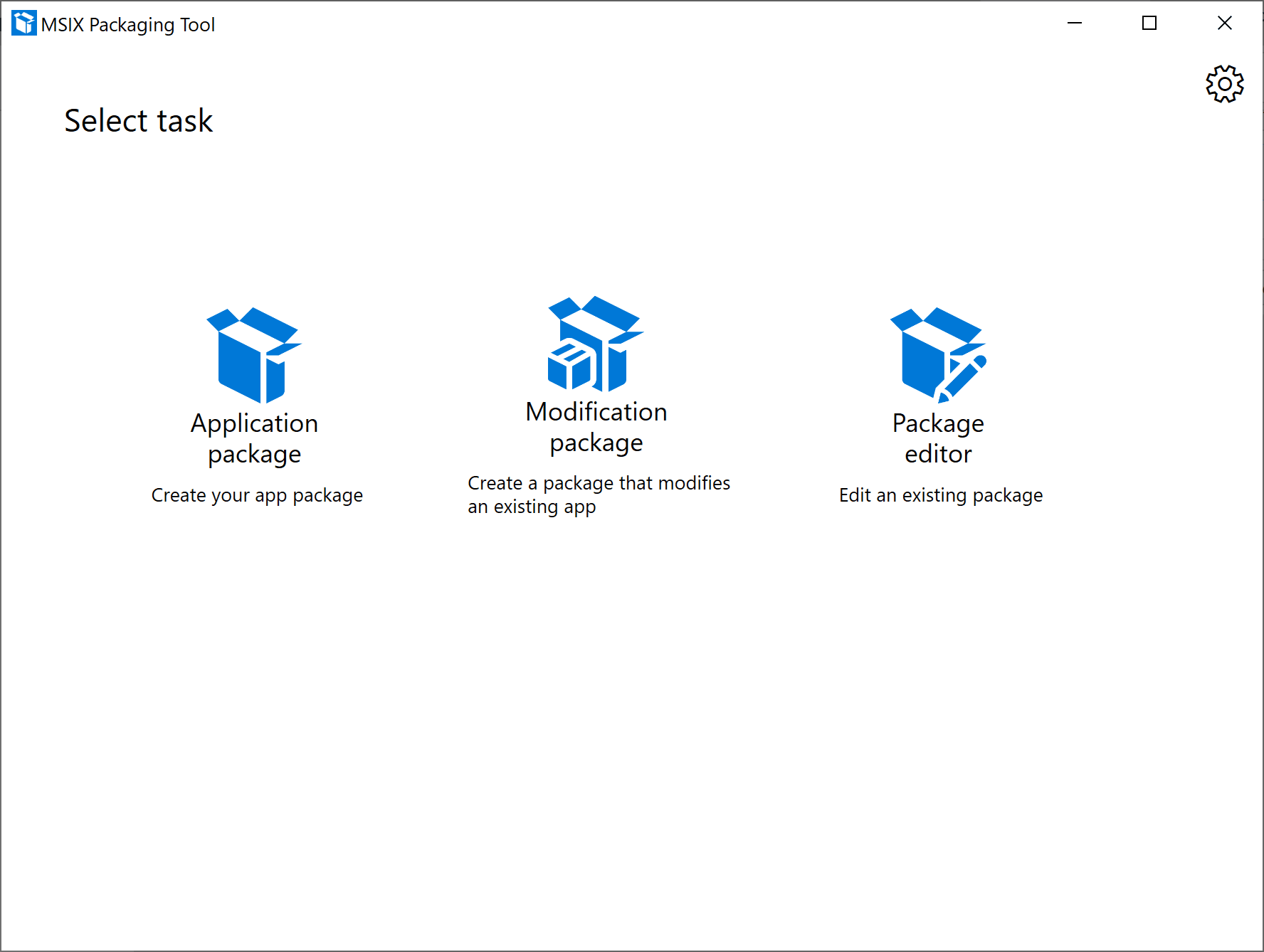
Microsoft has been improving MSIX over the last years, but it often remains a complex task to create and manage MSIX applications. One example is the mandatory code signing that is required for each MSIX package. While secure, it adds complexity and administrative overhead for organizations who want to use MSIX apps in their environment.
I’ve written a post on creating an MSIX package and how to deploy it with Nerdio Manager which you can find here to get a better understanding of the process.
But luckily there are alternatives and easier ways to virtualize your apps!
Liquidware FlexApp to the rescue!
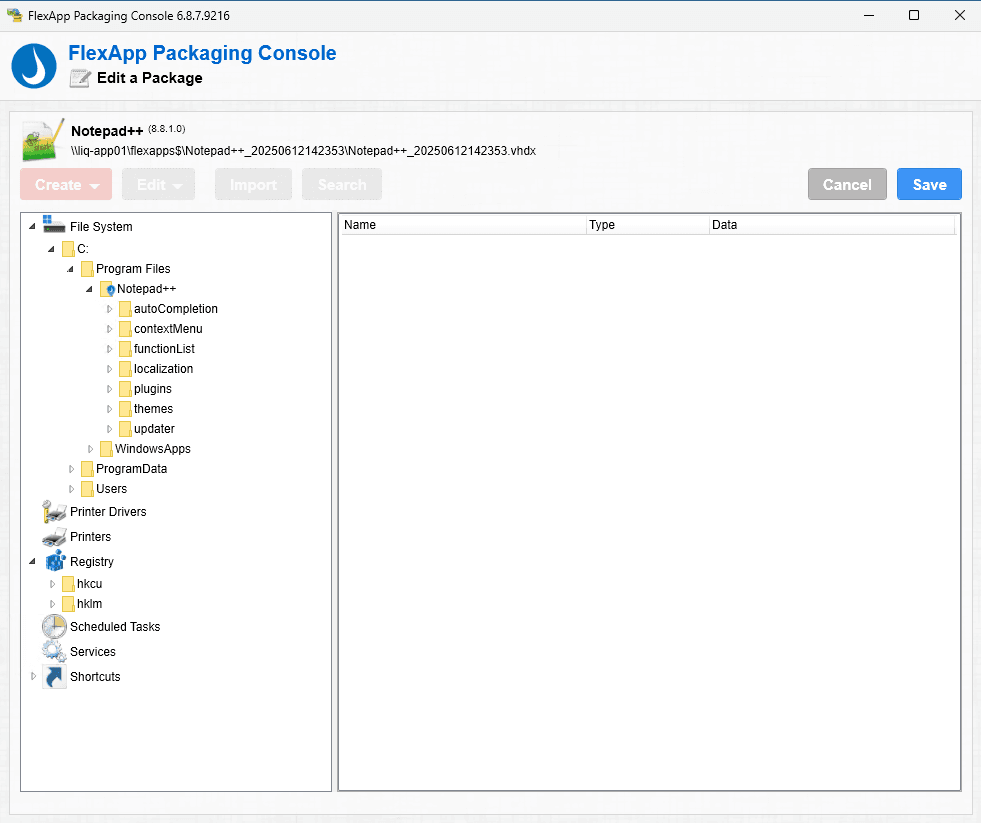
Liquidware FlexApp could be the solution that you are looking for! FlexApp is Liquidware’s application management solution and can be used to continue deploying App-V’s or used as a modern alternative in your strategy to replace App-V’s.
Just like App-V or it’s modern alternative MSIX, FlexApp provides application virtualization providing all of the benefits that come along with it on virtual and physical desktops. Let’s take a look at the moving parts:
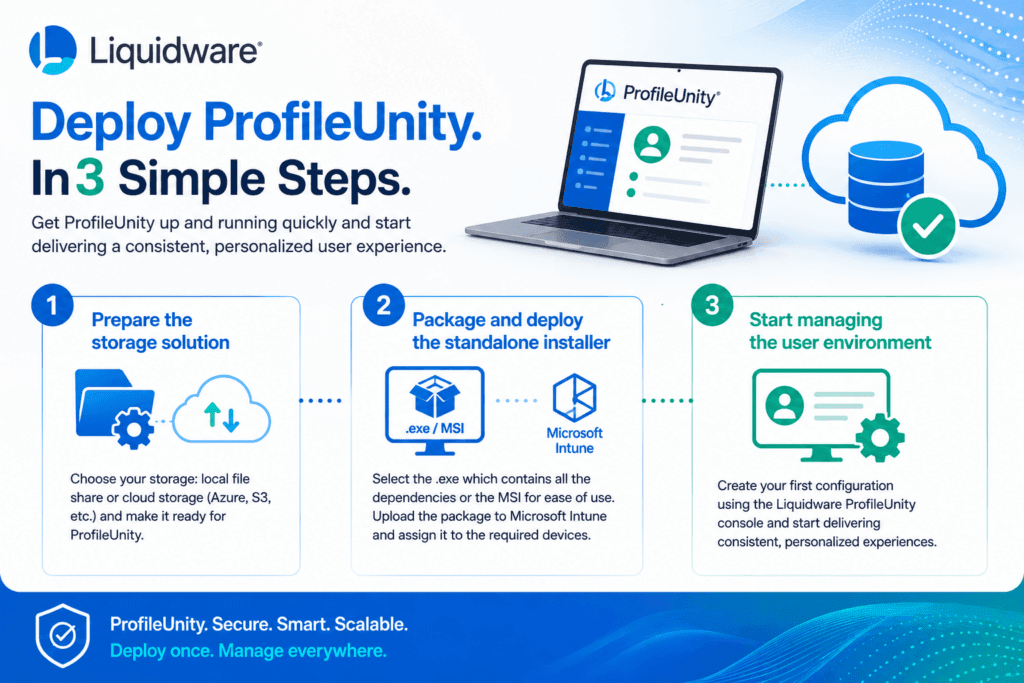
- Hosting, publishing and reporting tasks: FlexApps can be used in various scenarios and these roles can be performed by different solutions. You can use the ProfileUnity console if you deploy FlexApps in combination with Active Directory or you can use Microsoft Intune or 3rd party solutions like Nerdio Manager to manage and deploy FlexApps to your desktops. You can store the FlexApps on local file shares and cloud storage depending on your needs.
- The client component: FlexApps do have their own runtime which needs to be installed on the device. You can also use FlexApp One packages which have the runtime included in the package.
- The sequencer: just like in an App-V or MSIX environment, you can spin up a virtual machine and install the FlexApp Packaging Console. It’s a full fledged packaging solution which means you are not restricted to silent installations. You can actually do the clicky part yourself, customize everything the app needs to work properly and finaly save your work into a FlexApp. Did you know that it’s also possible to convert existing App-V packages to FlexApps using the FlexApp Packaging Console?
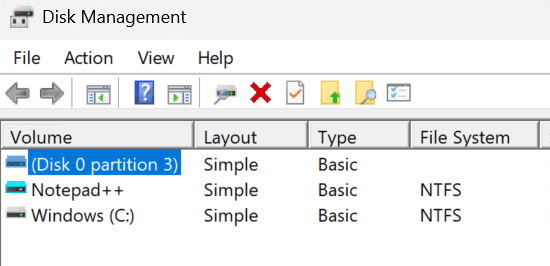
Once you created your shiny first FlexApp and deployed it to your desktop, you can actually see it pop up in the disk management console in Windows like in the example below with Notepad++:
I’ve written an extensive blog on FlexApp (One) with topics on how to package FlexApps, how to deploy FlexApps using the ProfileUnity console to AVD session hosts and Microsoft Intune to Windows 365 Cloud PCs or physical Windows devices! You can read the blog post here.
Resources
I used the following resources for this post:
Deploying the App-V Server (Windows 10/11) – Microsoft Desktop Optimization Pack | Microsoft Learn
Getting Started with App-V (Windows 10/11) – Microsoft Desktop Optimization Pack | Microsoft Learn
Announcing App-V support in App attach | Microsoft Community Hub